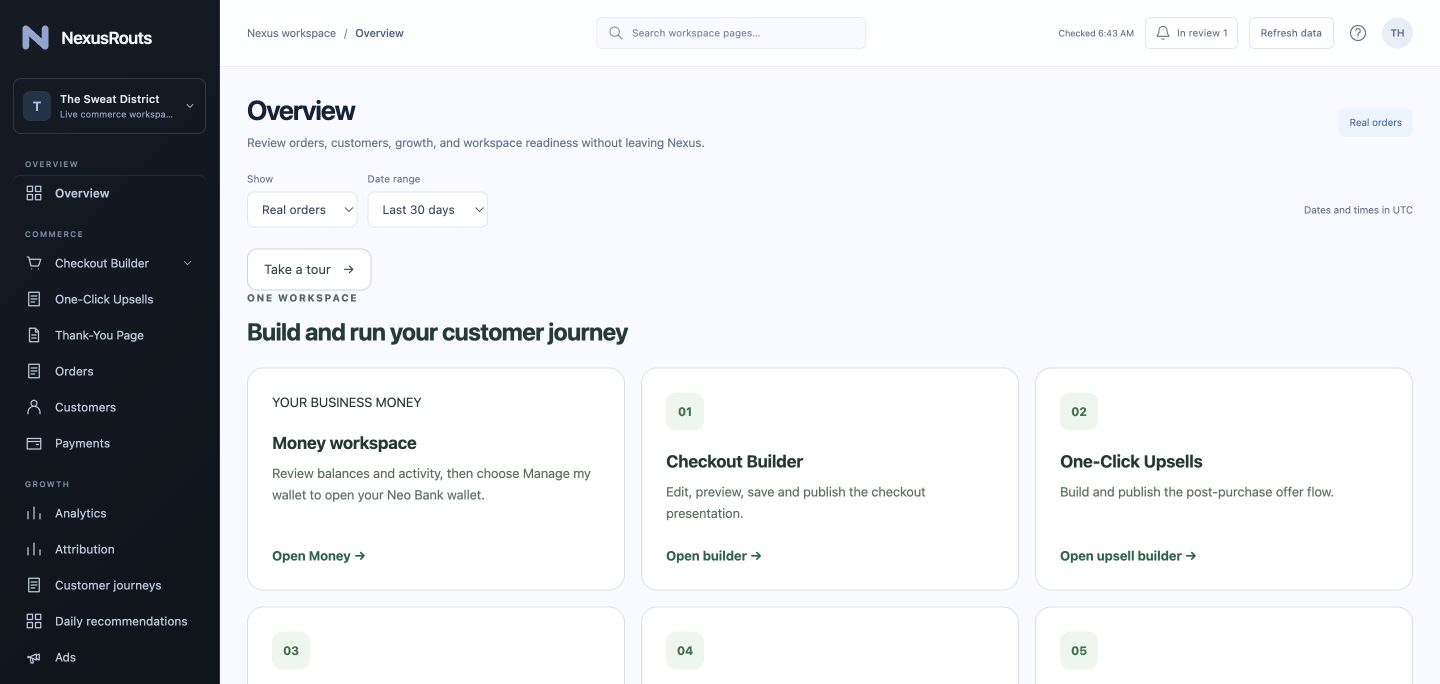
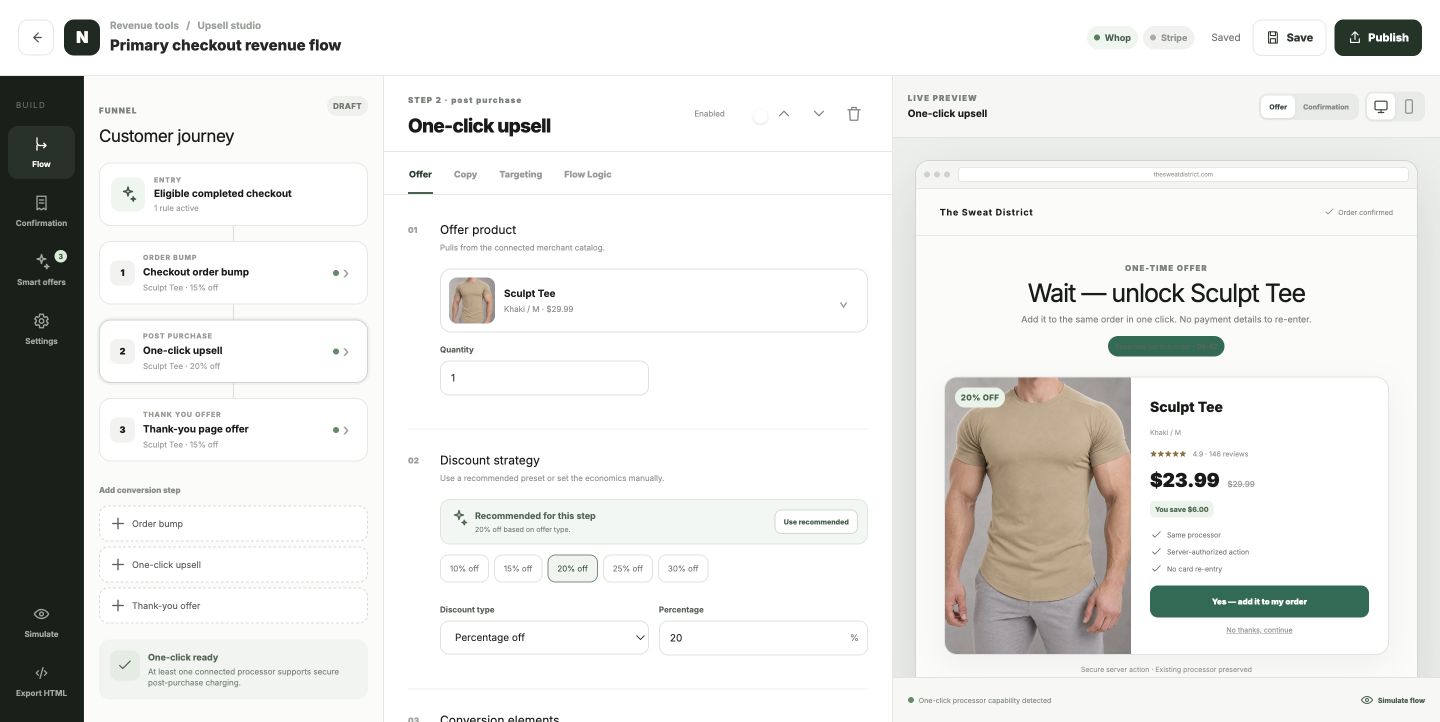
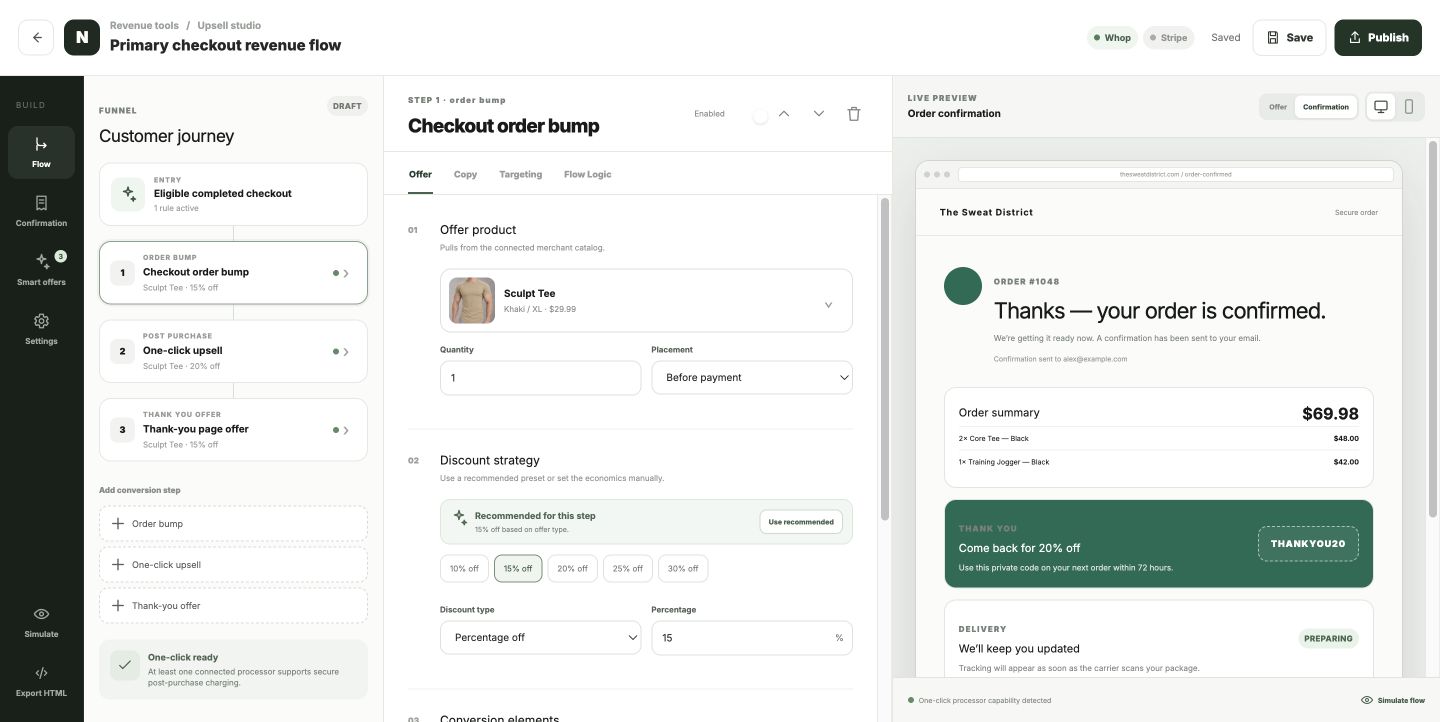
Availability depends on your connected processor. Some offers require payment reauthentication.
Revenue StudioPRODUCT PREVIEW
Keep the experience going.Branded confirmation. A deliberate next step.
NexusRouts
YOUR BUSINESS. CONNECTED.
Card design concept · access subject to eligibility
NEXUSROUTS MONEY
Get paid. Keep your money connected.
See the funds held in your connected business wallet—not just your sales totals. Your balance, payment activity and available money tools have a home inside your NexusRouts workspace.
Money requires a connected Whop account. Card and payout access depend on account approval and provider eligibility.
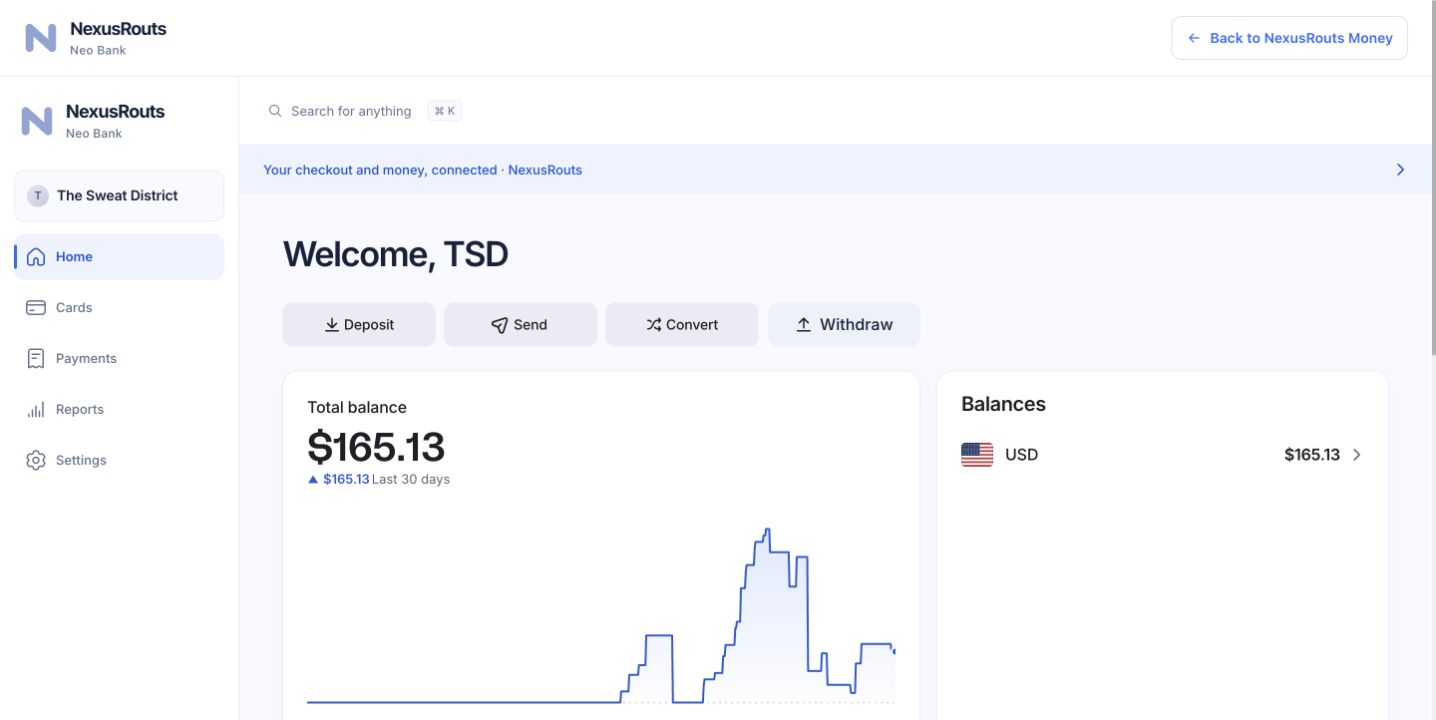
Your connected business walletACTUAL PRODUCT SCREENSHOT
Real connected wallet, real product screen. The balance shown belongs to this account at the time of capture; your own balance and available tools will vary.
BUILT TO FIT YOUR STORE
Keep the store. Connect what comes next.
01
Connect Shopify
Keep your catalog and inventory where they already live.
02
Choose your payment route
Connect an available processor and complete its account requirements.
03
Preview, then go live
Review your checkout and test the store handoff before sending traffic.
ATTRIBUTION THROUGH THE ORDER
Know which click became revenue.
Source, campaign and journey context stay attached as the customer moves from Shopify into NexusRouts and completes payment.
First-touch and current-touch context
Storefront-to-checkout journey
Paid-order matching
Tracking health visibility
ORDER JOURNEYPaid · matched
01
Ad clickPaid social · spring campaign
captured
02
Shopify storefrontProduct viewed · cart created
connected
03
NexusRouts checkoutJourney preserved · order paid
verified
RESULTCampaign → paid order
Matched
Illustrative interface. Results depend on configured tracking and customer consent.
SIMPLE PRICING
Your checkout. Your growth tools. Choose how you get paid.
Get the commerce tools in either plan. Start with a new Whop payment account, or connect your existing processor with Gateway Pro. Provider processing fees are separate.
STARTERNO MONTHLY FEE
$0/ month
+ 1% per successful NexusRouts payment
New Whop payment account through Nexus onboarding
Keep your Shopify store, catalog and order sync
Branded checkout with editable copy, images and layouts
Apple Pay + Google Pay on supported gateways and devices
Checkout order bumps and thank-you offers
Post-purchase upsells for eligible Whop payments
Custom confirmation and thank-you pages
First-touch, current-touch and paid-order attribution
Meta Purchase tracking and duplicate-tracking checks
Shipping expectations and reassurance at checkout
Money balances, activity and wallet access with Whop
Eligible card tools and account requirements
Start on Starter — no cardNexusRouts creates a connected Whop account during setup; Whop verification and provider fees apply. The 1% excludes tax.
GATEWAY PROBRING YOUR OWN
$149/ month
0% NexusRouts transaction fee
Everything in Starter
Bring your existing Whop, Stripe or Authorize.net gateway
Choose Gateway ProFirst month is paid through Whop before connection. Provider processing fees remain separate.
Money requires a connected Whop account; card and payout tools depend on eligibility. Payment availability, reserves, reviews, holds and account actions remain subject to each processor's terms and risk decisions.
MERCHANT QUESTIONS
Before you connect your store
Practical answers for merchants evaluating a Shopify checkout and post-purchase offer platform.
Does NexusRouts replace my Shopify store?
No. You continue to manage your storefront, products, and inventory in Shopify. NexusRouts handles the connected checkout and the order journey you configure.
How does a shopper reach NexusRouts checkout?
After you connect your store and enable the Nexus checkout app embed, the storefront checkout handoff can open the hosted NexusRouts checkout. Verify that handoff with a test cart before using it with customers.
Can I use a payment account I already have?
Gateway Pro offers connections for existing Stripe, Whop, or Authorize.net accounts. The payment options available to your store depend on the processor connection and its approval.
What offers can I build?
The visual revenue builder supports checkout order bumps, one-click post-purchase upsells through supported connected processors, and thank-you offers. You can preview the journey before publishing.
What does the attribution report show?
NexusRouts keeps source and campaign context through the storefront-to-checkout journey and matches it to a paid order when tracking is configured and the customer has given the required consent.
Do I need to rebuild my product catalog?
No. NexusRouts reads the connected Shopify catalog so you can use your store's products in checkout and offers. Keep product and inventory changes in Shopify.